Getting Started
- Exploring Challenges
Feel free to explore the list of available Challenges. You’ll find detailed information for each challenge, including requirements, rewards, and timelines.
You can filter Challenges using the following options:
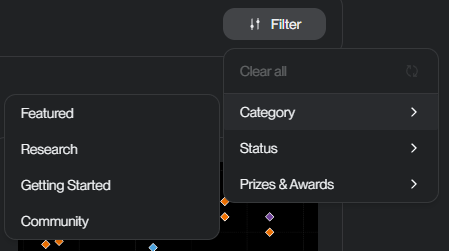
➤ By Category
- Featured
- Research
- Getting Started
- Community
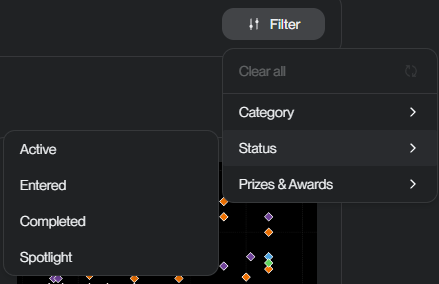
➤ By Status
- Active - All active Challenges.
- Entered - Challenges you've joined (submissions unlocked).
- Completed - Finished Challenges with results.
- Spotlight - Curated or highlighted challenges.
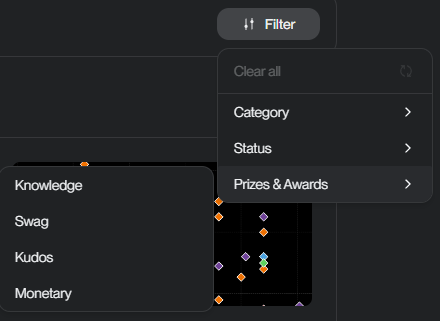
➤ By Prizes & Awards
- Knowledge
- Swag
- Kudos
- Monetary
- Sign up for an account
If you do not have an account on the AIOZ AI Platform, this information will be needed so that you can join and participate in a Challenge.
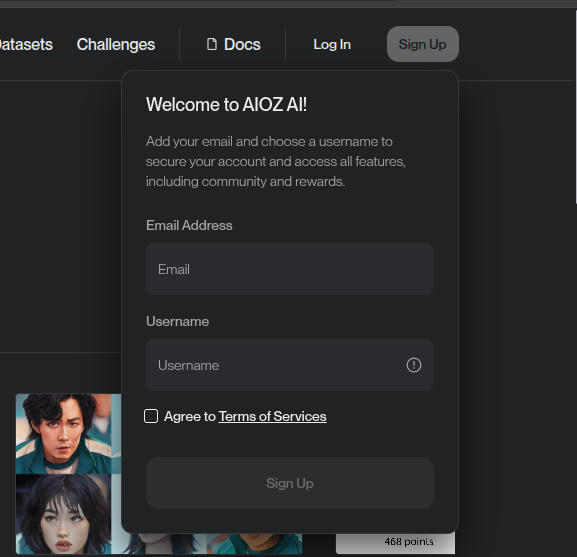
Step-by-step:
Step 1: Click “Sign Up” in the top bar.
Step 2: Add your email and choose a username.
(Note: username must end with a hyphen followed by four random digits. If not, we will generate it for you. For example: “myUsername-6432”).
Step 3: Hit “Sign up” and start to explore.
- Joining a Challenge
If the Challenge is open to everyone, just click "Join"—but don’t forget to read and accept the rules first!
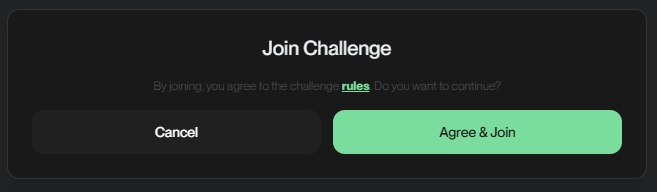
After joining, the Submission tab appears.
Once you have chosen a Challenge, before submitting, make sure to go through all the Challenge details and check the deadlines so you know exactly what to expect. Then you're all set to submit your work!