Understanding the Challenge
Public Challenges are viewable on the Challenges Homepage. Each listing provides the following key information:
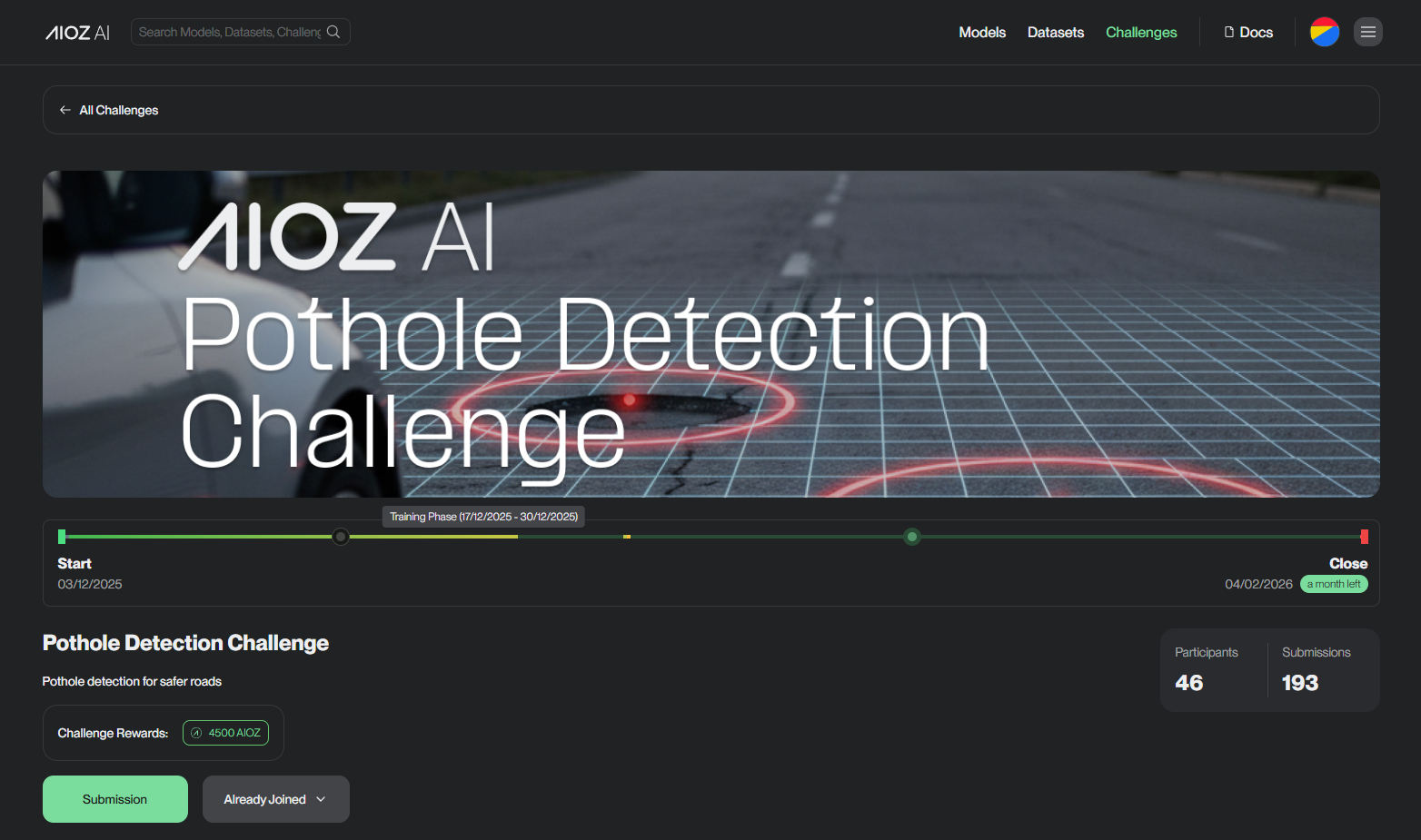
- Thumbnail image.
- Title and brief description.
- Medals and rewards: Knowledge, Swags, Kudos, Monetary.
- Participants and Submissions counts.
Challenge Sections
-
Overview: Challenge summary and objectives.
-
Data-linked public dataset on AIOZ AI Platform: Details about the dataset, including a description, download link, and information to help you understand the data used in the Challenge.
-
Code (Baseline) - linked public repo/snippet: Starter code or repo to help you begin.
-
Discussion: Markdown-supported forum for Q&A and ideas.
-
Leaderboard:
-
Scoring is based on specific Challenge metrics—some aim for a higher score, while others aim for a lower score (like error rates).
-
The Leaderboard automatically sorts participants based on these metrics.
-
Classification Metrics
Metric Value Range Better When accuracy 0 to 1 Higher f1 0 to 1 Higher roc_auc 0 to 1 Higher log_loss 0 to ∞ Lower balanced_accuracy 0 to 1 Higher cohen_kappa -1 to 1 Higher recall 0 to 1 Higher precision 0 to 1 Higher fbeta 0 to 1 Higher brier_score 0 to 1 Lower average_precision 0 to 1 Higher matthews_corrcoef -1 to 1 Higher -
Regression Metrics
Metric Value Range Better When rmse 0 to ∞ Lower mean_squared_error 0 to ∞ Lower mean_absolute_error 0 to ∞ Lower mean_absolute_percentage_error 0 to ∞ Lower r2_score -∞ to 1 Higher mean_squared_log_error 0 to ∞ Lower -
Clustering Metrics
Metric Value Range Better When adjusted_rand_score -1 to 1 Higher completeness_score 0 to 1 Higher - Public leaderboard = real-time submission scores.
- Private leaderboard = revealed after the Challenge ends.
-
-
Rules: This document outlines all the official participation rules.
-
Timeline Bar: A horizontal progress bar visually represents the timeline from start to close, helping participants quickly understand the Challenge duration and how much time they have left to make submissions.
- Start date: Indicate the date the Challenge begins.
- End date: Indicate the date the Challenge closes.
- A tooltip appears when hovering over the dots, indicating the Registration Deadline and Private Release Leaderboard date.
- A highlight bar marks a specific phase of the challenge.
- A gradient indicator along the progress bar shows the current point in time.
- A green badge shows the remaining time.