User Profile Information
Profile
In the Profile section, users can perform the following actions:
- Upload new avatar: Users can upload a profile picture for their account.
- Username: The name used for identification and accessing the account.
- Public: Depending on the privacy settings, users can choose whether the information is public or private.

About
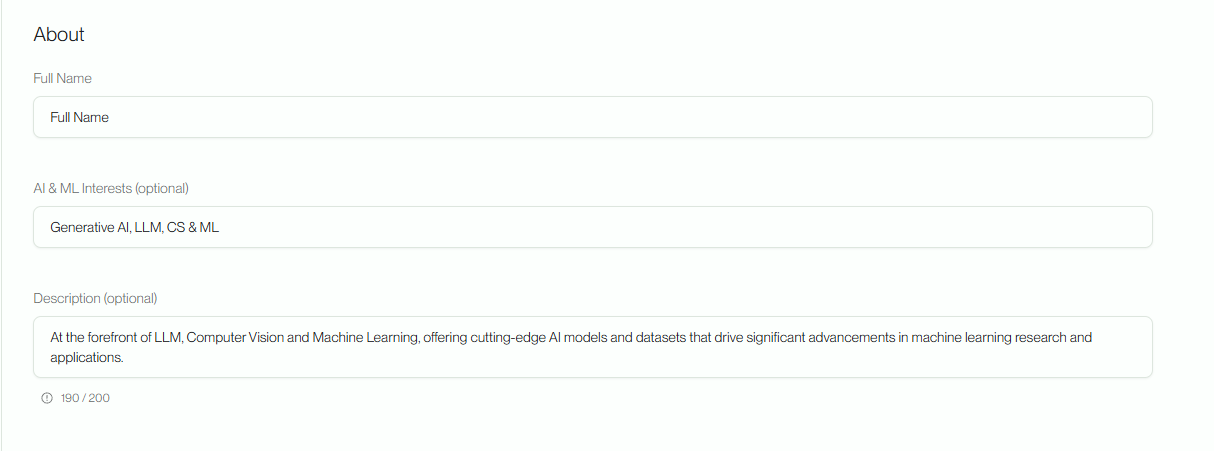
In the About section, users can perform the following actions:
-
Name: The account's name will be publicly displayed.
-
AI & ML Interests: This is where users can introduce the fields they are researching in.
-
Description: This is where users can provide a brief introduction about themselves and their research.
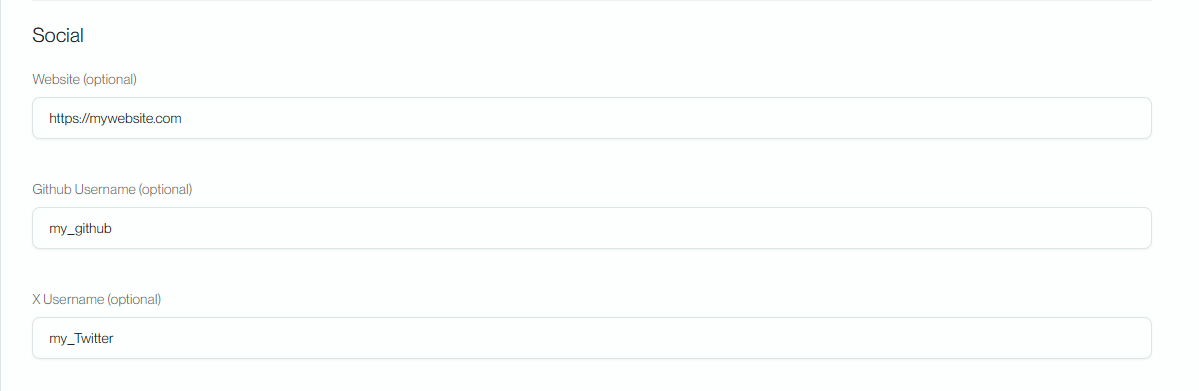
Social
In the Social section, users can provide additional information about their previous work environments to further introduce themselves.