Preparing and Submitting Your Entry
-
Submission Guide
To get a score and show up on the leaderboard, you’ll need to submit your solution. The submission process may vary depending on the Challenge format. Just a heads-up: there’s a daily limit on how many times you can submit, which you can check in the Rules tab.
Submission types way:
- Public Submission:
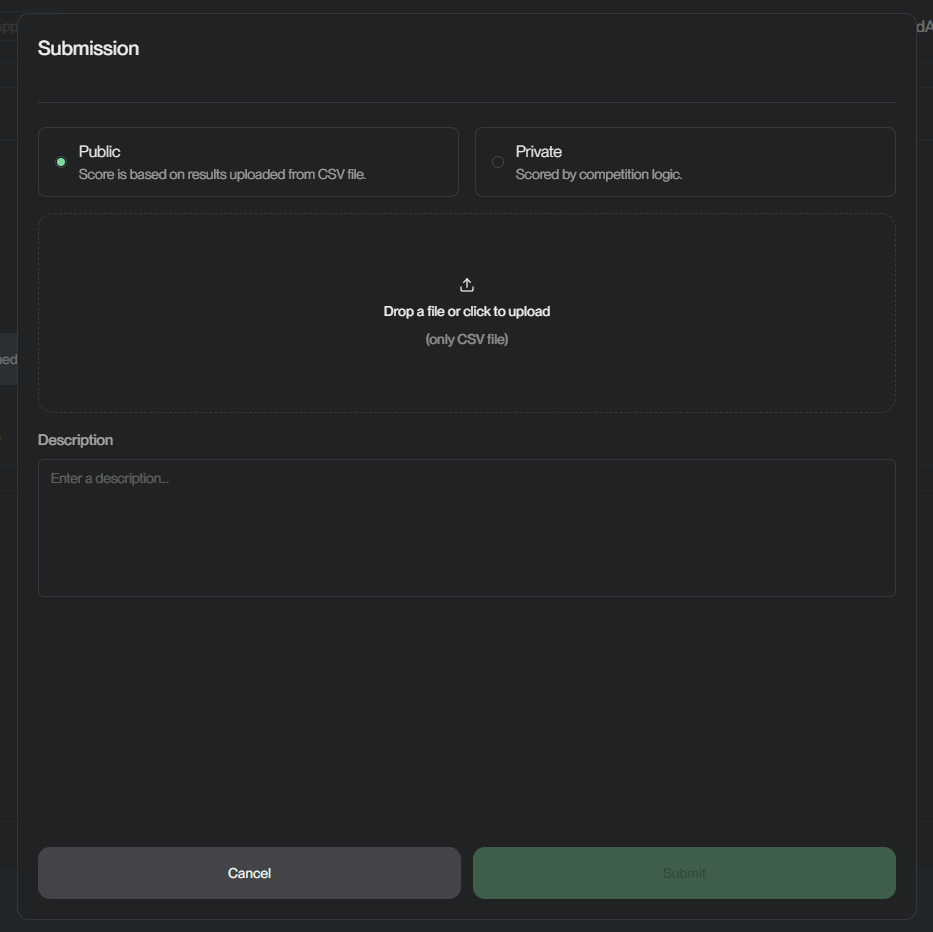
- Upload a
.csvfile . - System auto-evaluates using defined logic.
CSV Format Requirements:
- Must follow the Challenge’s sample format, with the provided sample, column, row, data sample.
id- the first column (unique identifier) is required.- Remaining columns should contain:
- Labels (in the ground truth file).
- Predictions (in the submission file).
- Private Submission:
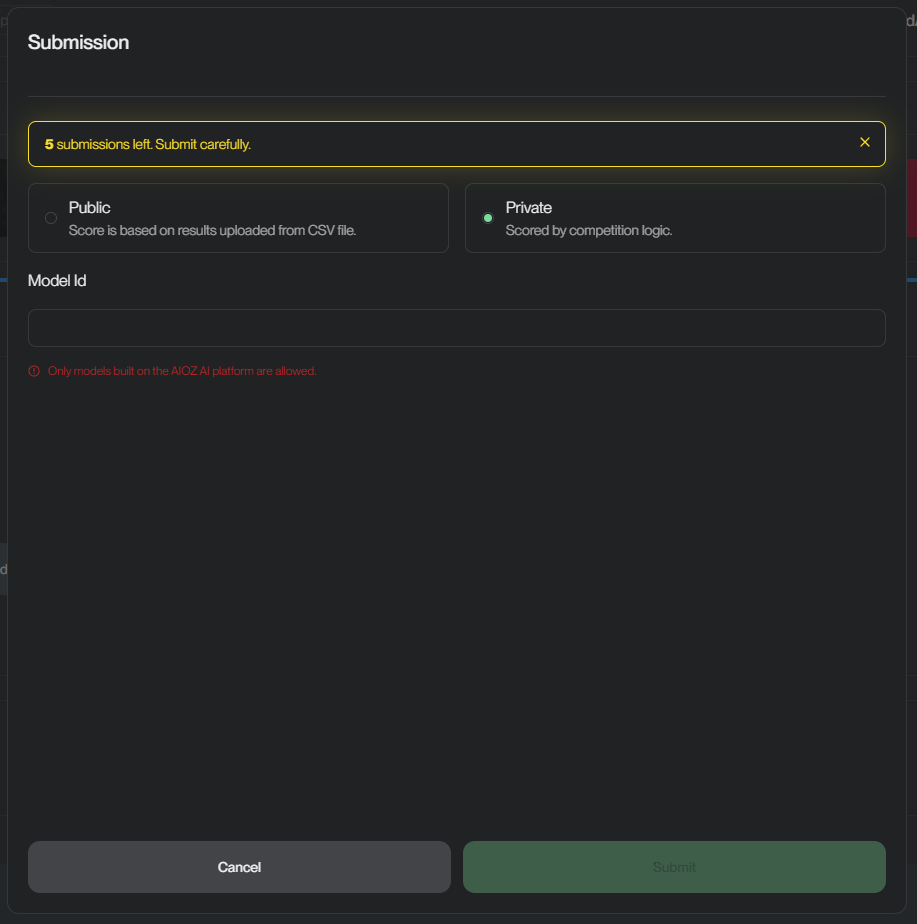
- Submit Model_ID to trigger evaluation - the model must be public before submitting.
- Select commit hash (default: latest).
- If a submission incurs a cost, a token fee will display.
- Daily submission limit enforced (5/day).
- After reaching the limit, you won’t be able to submit again until the limit resets.
Upload Requirements:
- Trained weights.
- Model code & inference script.
- Documentation.
Steps to Prepare: Follow the steps below to ensure your submission is valid and runs successfully:
-
Download the Codebase.
-
Define Model Input and Output
my_ai_lib/run.py. -
Implement the
do_ai_task()function for inference logic. -
Add Model Weights into
/modelsdirectory. -
Implement
predict_submission()function inmy_ai_lib/predict_submission.py.-
This function must be:
- Function with an argument (the test data folder: str).
- Load your trained model.
- Load the test dataset provided for the Challenge.
- Run your model to make predictions on that test data.
- Save your predictions in a file named
./result.csv.
Note: The
result.csvfile must match the sample format provided by the Challenge (same structure as the public submission CSV format).
Your code just needs to take the test data, run predictions, and save the results in the correct format!
-
-
Verify your submission:
-
Create a
main()function inside themy_ai_lib/predict_submission.pyfile. -
Inside this
main()function, call thepredict_submission()function.Once you've done that, you can verify your submission locally by running the following command:
-
python -m my_ai_lib.predict_submission