Add AIOZ Token
After successfully connecting the wallet, you can proceed to add AIOZ token to your AIOZ AI account.
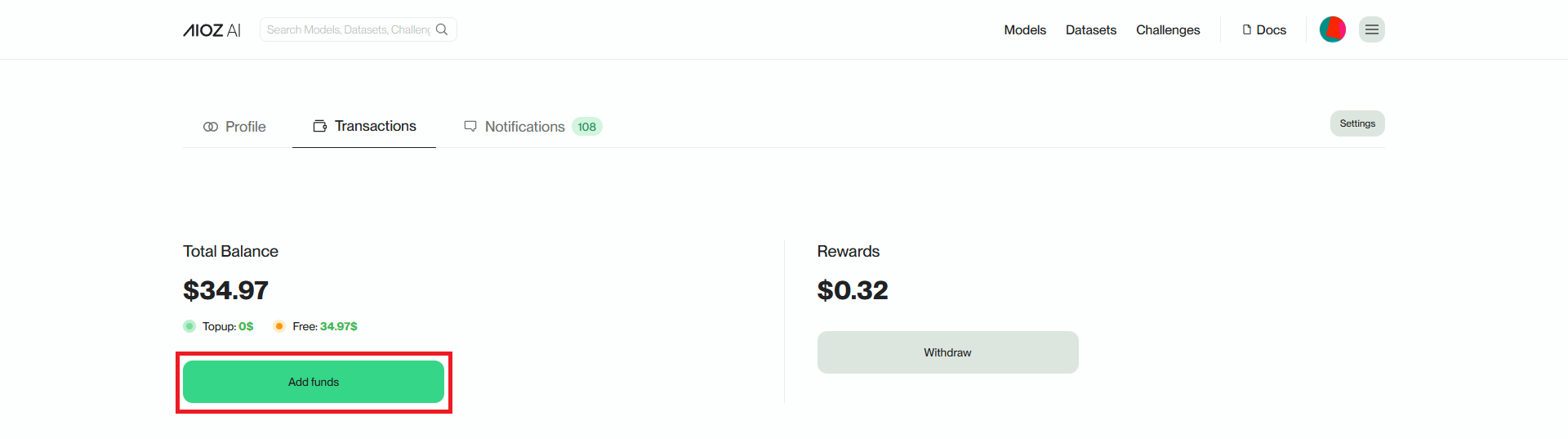
In the Balance section, select Add funds button, Add funds popup as shown will appear. You can choose to Add funds from the wallet you are connecting to your AIOZ AI account or send from another wallet via address or scan with QR code.
Add AIOZ via a connected wallet
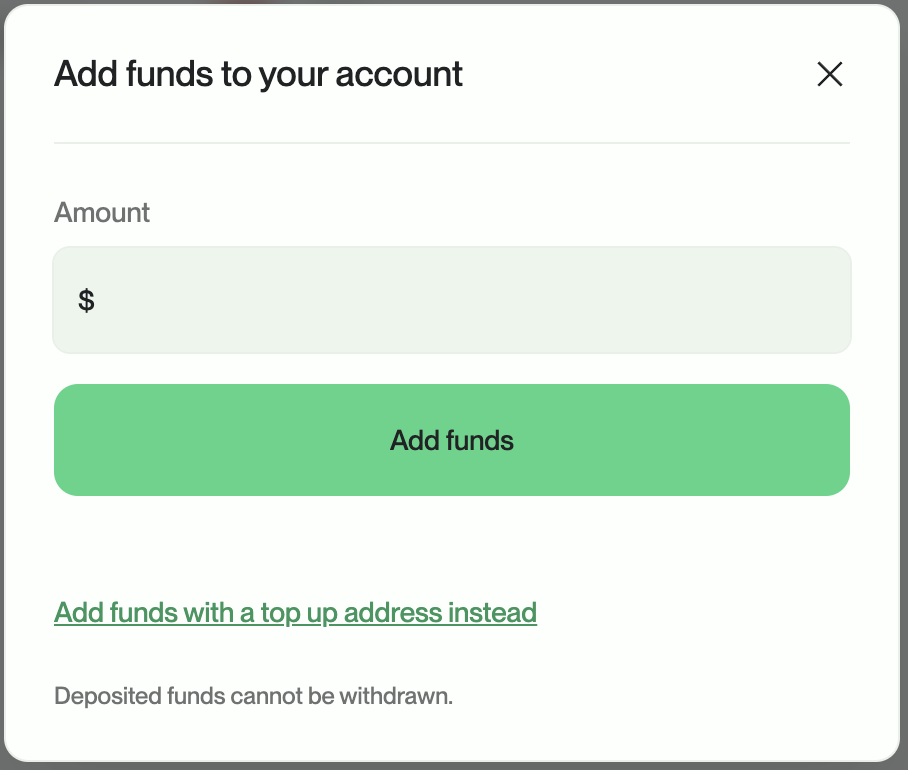
In the Amount section, enter the AIOZ token amount you want to deposit and select the Add AIOZ via Connected Wallet button. Then confirm at Metamask wallet to complete the deposit process.
Add AIOZ by sending AIOZ token to the address
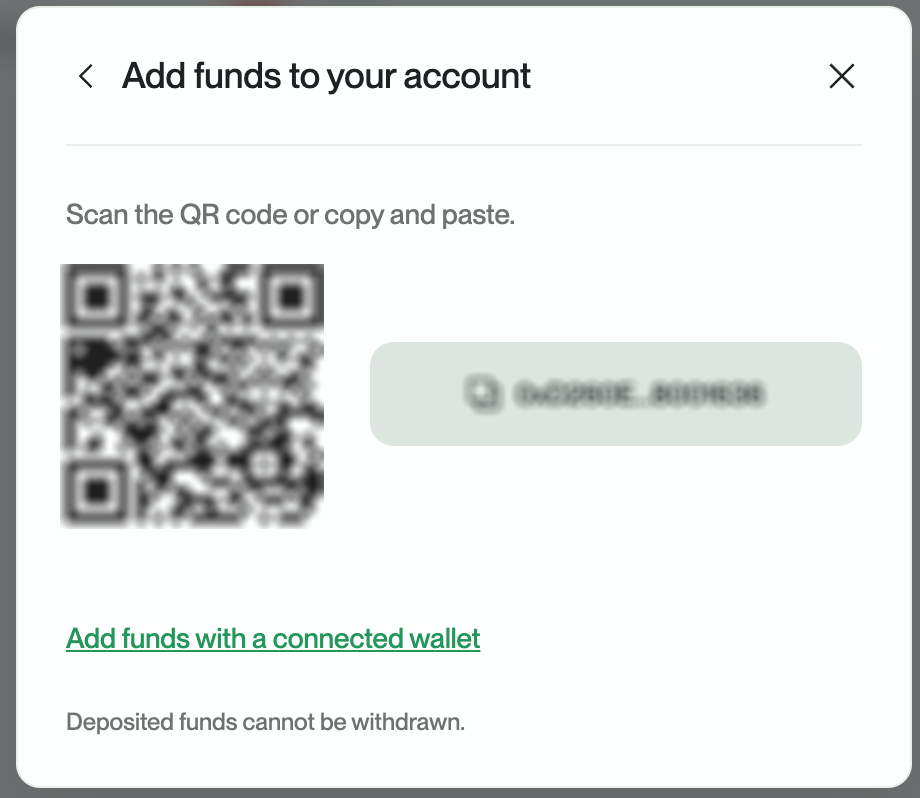
Scan the QR code or copy the address to deposit AIOZ token into your AI account.
After successfully adding AIOZ token, you can review the transaction history in Recent credits.