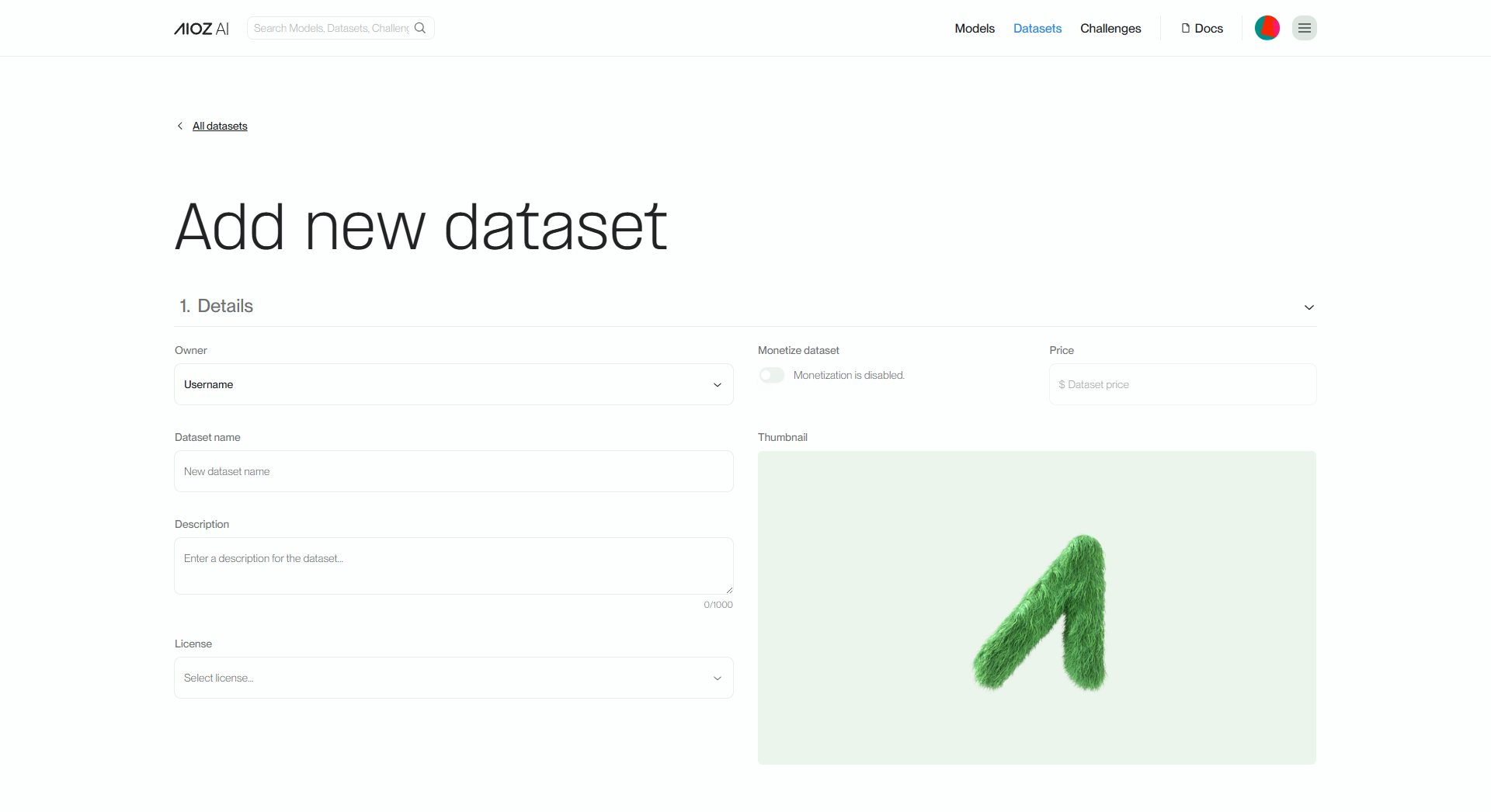
Create Dataset
When you want to create a dataset, similar to initializing a model, we recommend that you create a dedicated repository for that dataset. This repository is where you can organize, store, and share your datasets with the community. Additionally, it is advisable to provide a detailed description of the dataset.
Upload Information
Firstly, to get started, you will need to provide some basic information about your dataset, including its name and description. Additionally, providing a representative image and cost (if applicable) helps create an overview of your dataset and enables users to have the necessary information to evaluate and effectively use the dataset.
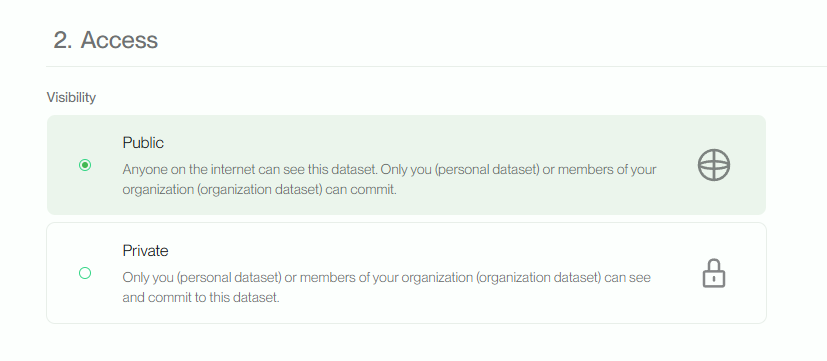
In addition to providing basic information, a representative image, and cost, you should also consider granting access permissions to your dataset. This ensures that users have the necessary access rights to legally and appropriately access and use the dataset, complying with relevant requirements and constraints.
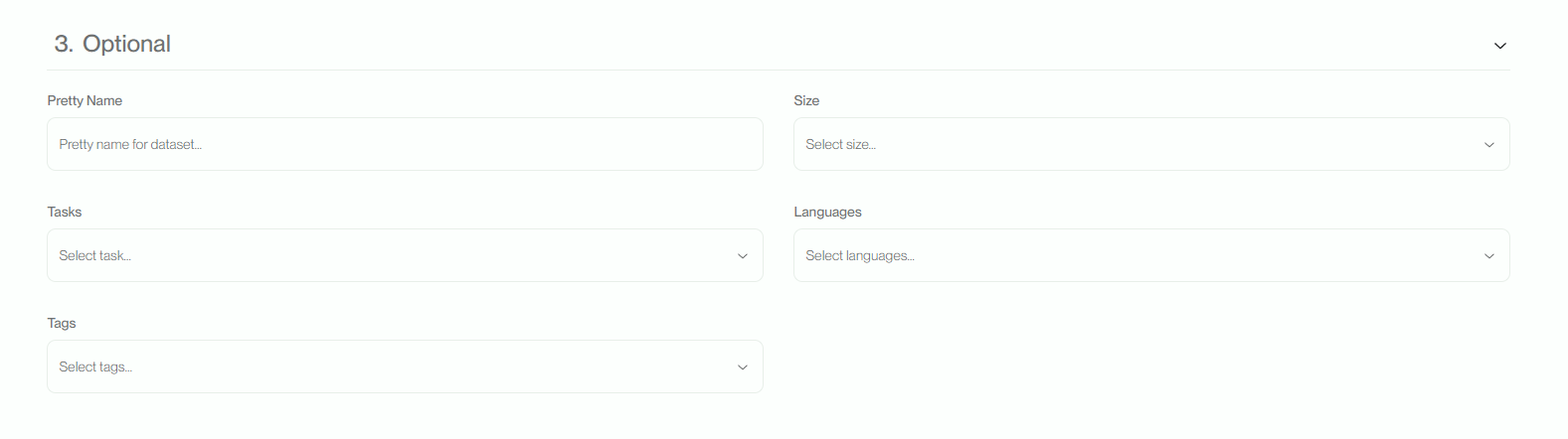
Setup optional
Lastly, it is important to define your dataset based on critical factors such as the task, language, size, and tags. This helps other users to have a better understanding of the content and applications of your dataset.
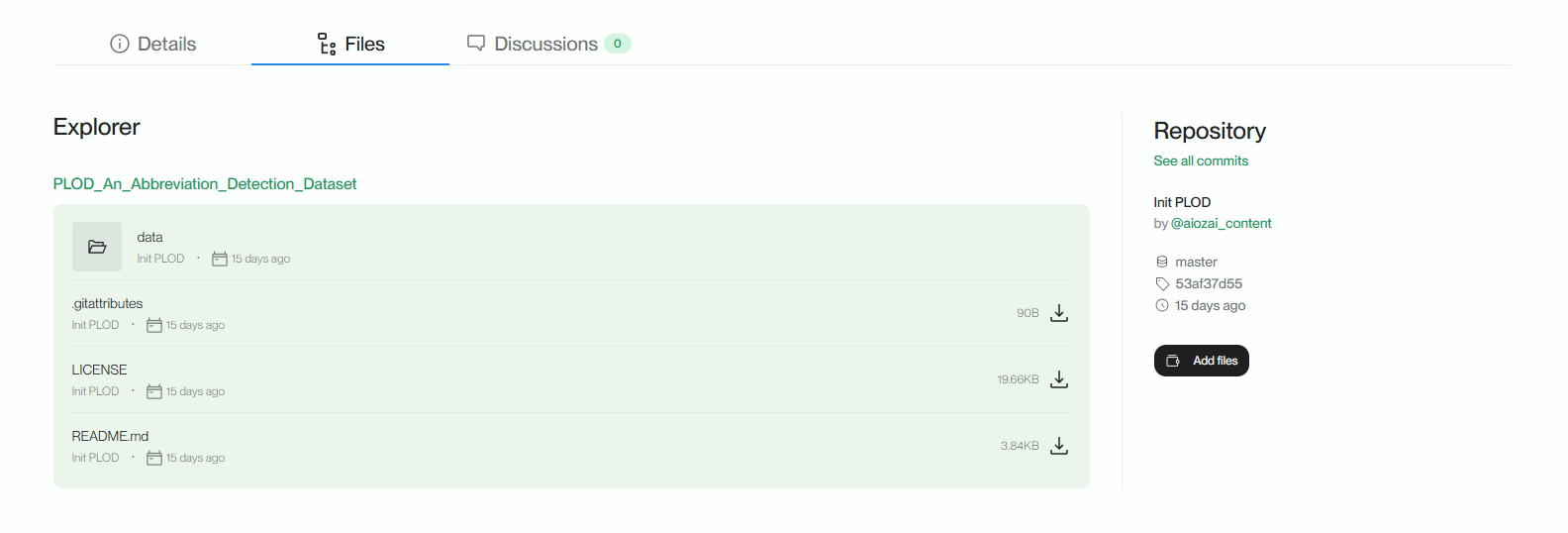
Upload data
Once you have successfully created a data repository, the next step is to upload your dataset to the Files section of the repository. To conveniently perform this upload, you can use the git tool, which simplifies the process of uploading large datasets.