Team Members
Grant Access
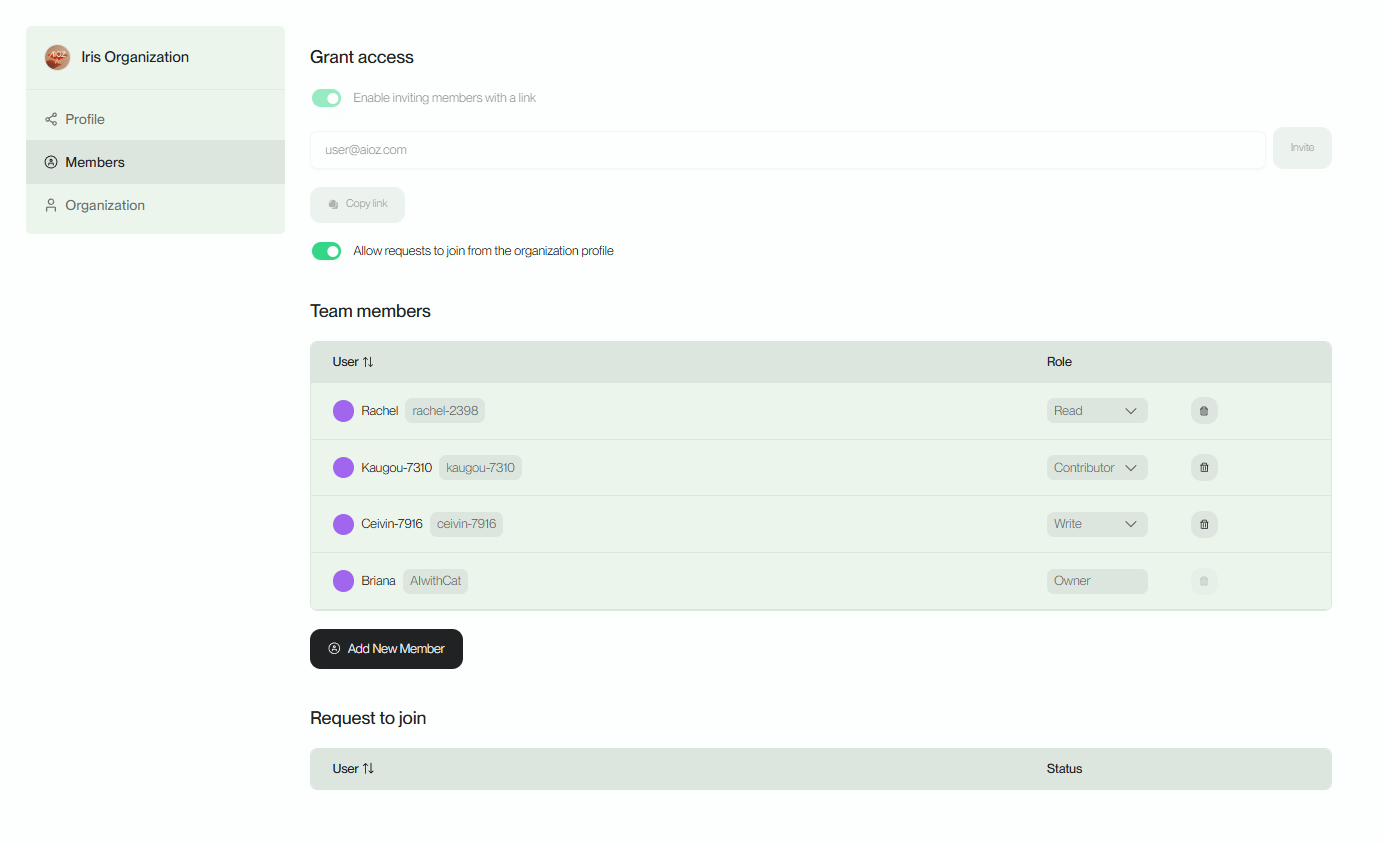
With AIOZ AI Platform, users can easily manage members within their group. They can define and adjust access permissions for each member, allowing them to control the level of access to Organization's documents and important information. Additionally, users have the authority to invite anyone to join their Organization, facilitating expansion and enhancing the team's members
Add New Member
By searching for the usernames of other users, users can add new members to the Organization and assign appropriate permissions to them. This process is simple and convenient, facilitating effective collaboration and work within the Organization. Users just need to follow the following steps:
-
Step 1: Look up the usernames of the individuals participating on the platform.
-
Step 2: Confirm and grant permissions.

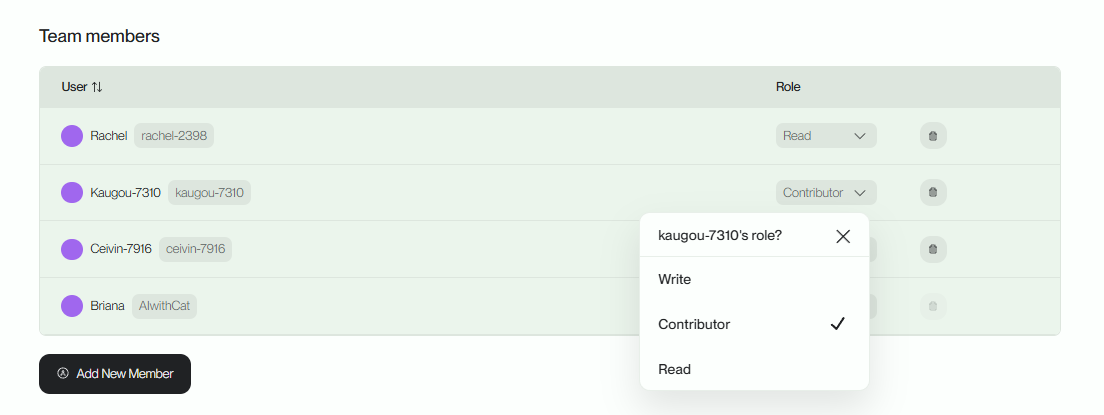
Edit Members
To manage members within the group, users have the ability to modify permissions and remove members as needed. Users can flexibly and efficiently manage members within the group, creating a professional and trustworthy working environment for the team.