Create Model
To get started, let's proceed with initializing a repository and providing the necessary information to set up the model.
Upload basic information
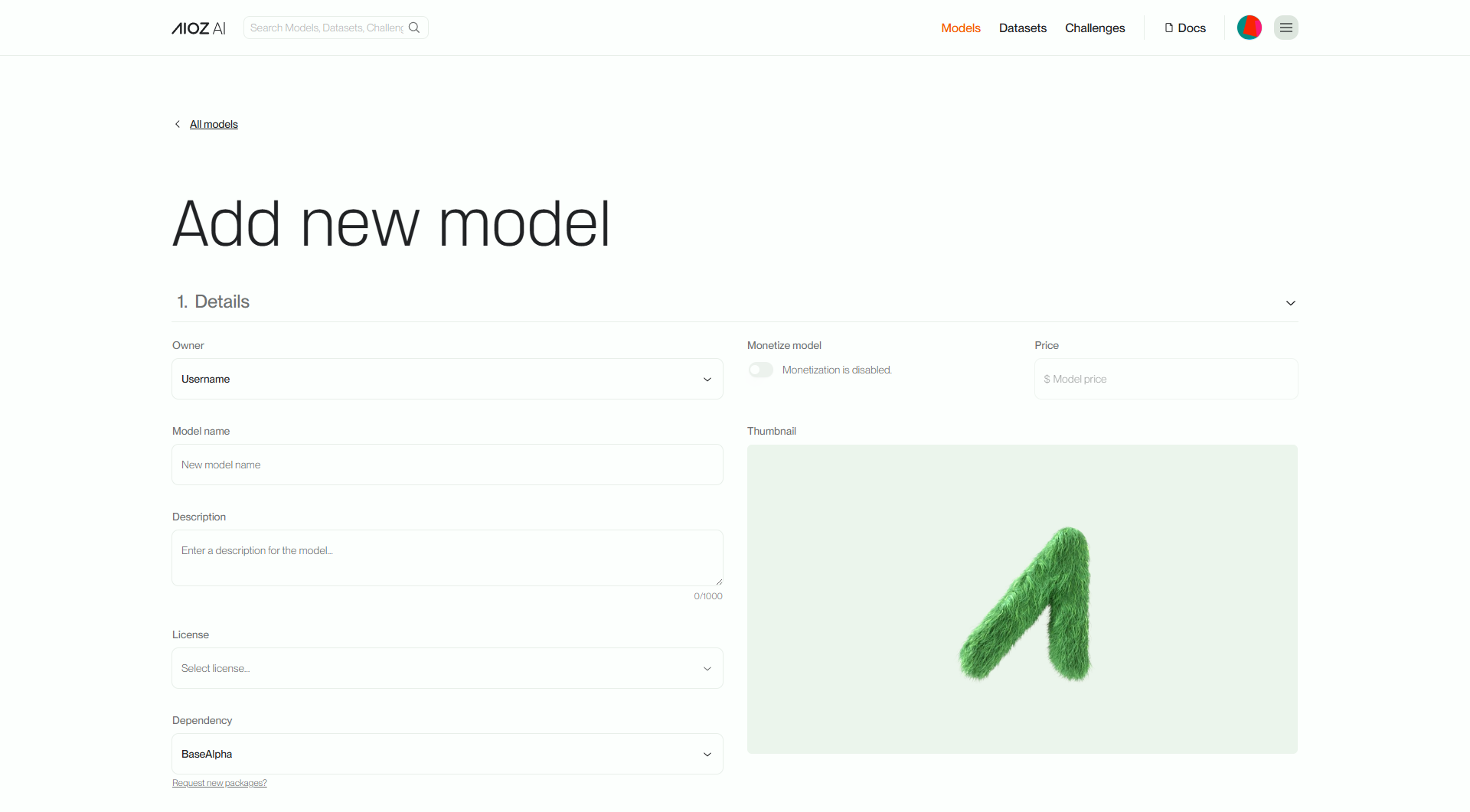
Details: You need to provide information such as the model name, a basic description of the model, an avatar image, and specify the desired cost.
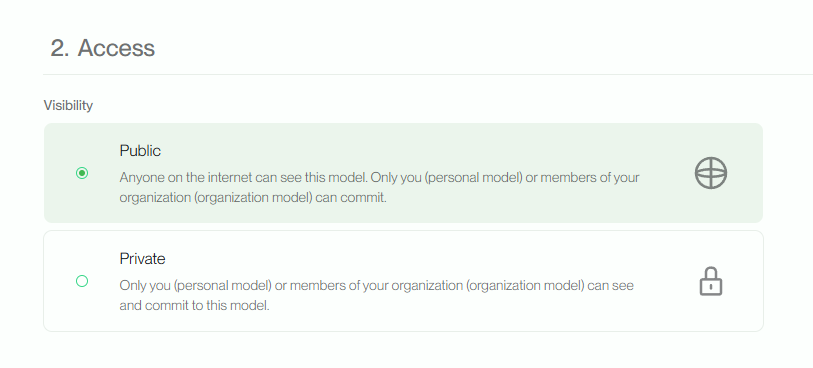
Access: You need to define permissions for the model, determining who can access and use it.
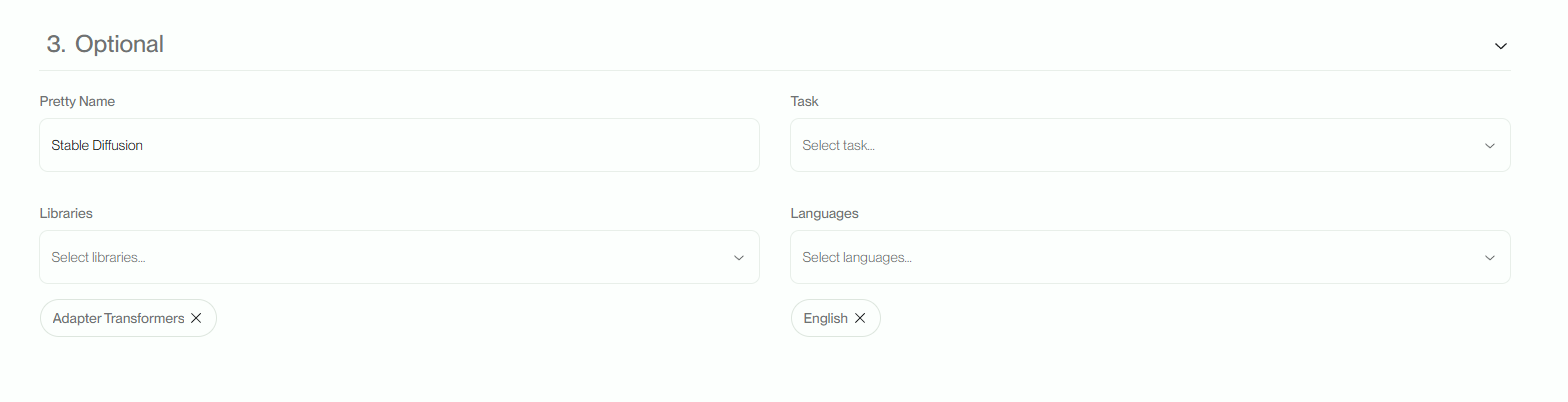
Optional: You can specify additional information about the format and category of the model.
Upload file code
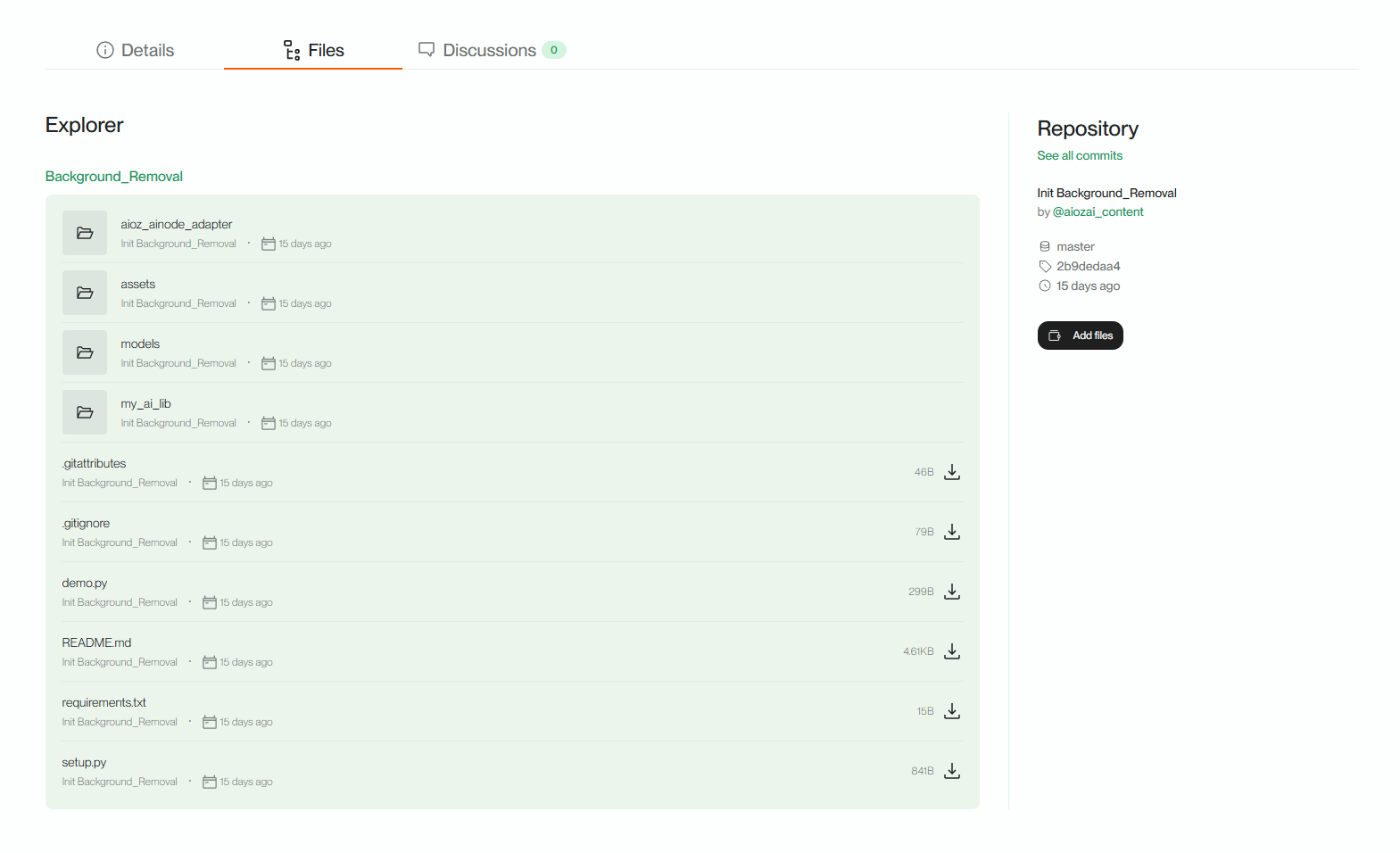
When initializing a model in the system, we provide a sample code template in the File section to assist users in algorithm development. This code template includes pre-written code snippets and illustrative examples of how to use the model to perform specific tasks.